Perfin Slicer Software
Click Here to Download the Software
INSTRUCTIONS: (Click Here to Download pdf of these instructions)
Perfin slicer is free to use and share.
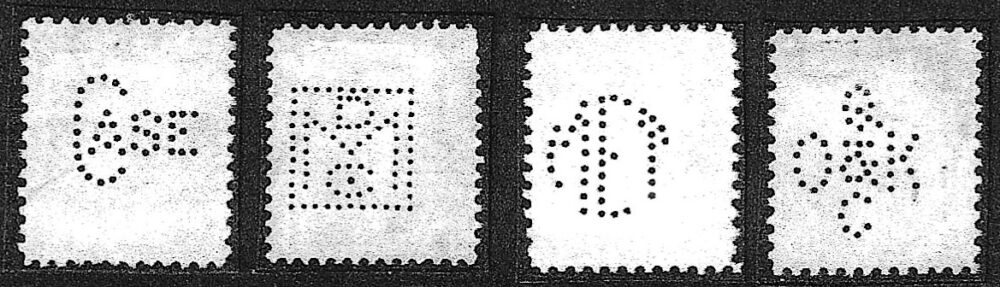
It has 2 functions. The first is to break a stock page of stamps into individual jpg files. The second is to compare 2 patterns. Its this last function that is most useful. It gives a correlation coefficient using the center of the perfin holes.
It has a persistent bug that can’t be fixed until the python libraries are updated. When you first open, it flashes, goes away and then comes back.
To use
Open image, navigate to the picture of your stock page.
Auto-Detect stamps will highlight each images. The better spaced the more likely you are to succeed. Remove any larger labels. Within you can manually highlight stamps it missed, delete mistakes it made. Highlight one corner and then diagonally the opposite corner.
When done press “Save Stamps”
This will step through the images you created and ask you to name. Use the perfin catalog naming for later matching with the Perfin Research Workbench if you are into helping us research new candidates.
Catalog rules show at the bottom:
- / = another line
- [ ] = shared pins
- Uncertain reading: enter both orders, such as OA/AO
Compare lets you open 2 of your images and determine if they are the same, if different, how so.
Instead of circles, it shows the current differences, green is a match.
- ✓ Green = matched hole
- × Red = missing hole
- . Blue = extra hole
- ○ Yellow = shifted hole